> For the complete documentation index, see [llms.txt](https://docs.navigaglobal.com/dashboard-writer/llms.txt). Markdown versions of documentation pages are available by appending `.md` to page URLs; this page is available as [Markdown](https://docs.navigaglobal.com/dashboard-writer/admin/config/logs-api.md).
# Logs API
Integrated the Logs API to capture and send errors to AWS CloudWatch whenever an API failure occurs or any code inside a try-catch block throws an error
This logging mechanism is **configurable** via the `enabled` flag (`true` or `false`) under the `logsApi` configuration.\
There is **no functional impact** from this change — it only adds optional error logging to AWS for better monitoring and debugging.
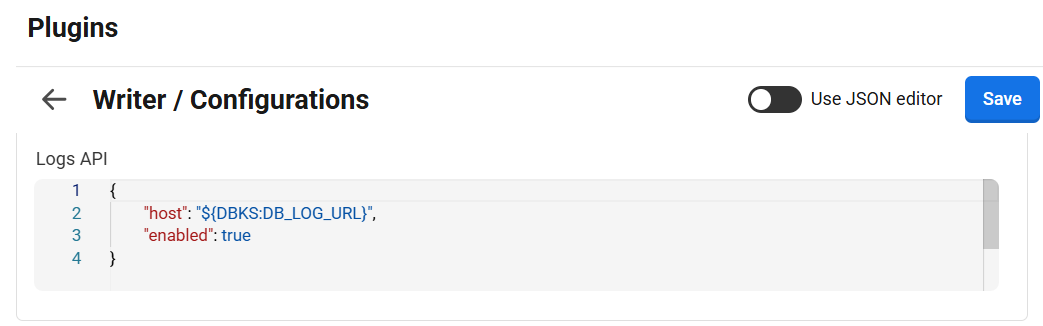
Sample configuration:
```
{
"host": "${DBKS:DB_LOG_URL}",
"enabled": true
}
```
**Configuration Details:**
`host` This field specifies the host url for the logs. host url will be available in dashboard config key store with key **DB\_LOG\_URL**
`enable` This field can be set either *True* or *False.* If set to true then it will capture and send errors to AWS CloudWatch for better monitoring and debugging. If set to false then errors would not be logged on AWS.
LogsAPI URL:\
1\. Stage - \
2\. Prod. - [https://db-plugin-logs-api-eu-west-1.saas-prod.infomaker.io/](https://db-plugin-logs-api-eu-west-1.saas-stage.infomaker.io/)