> For the complete documentation index, see [llms.txt](https://docs.navigaglobal.com/article-search/llms.txt). Markdown versions of documentation pages are available by appending `.md` to page URLs; this page is available as [Markdown](https://docs.navigaglobal.com/article-search/user/how-to/text-search.md).
# Text search
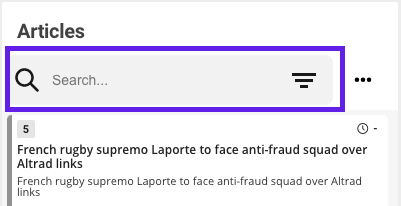
Type a search criteria in the search field
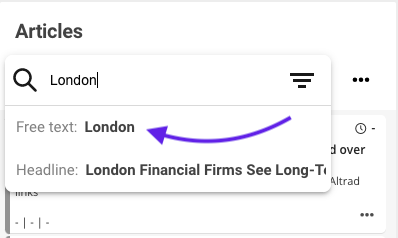
You'll get a list of suggestions matching your search. By clicking on one of em, it will generate a specific search
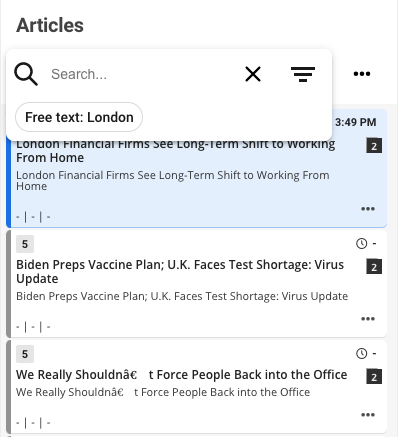
The result of the search will be presented in the list. More advanced searches could be made by adding more criteria to narrow down the search