Tax Calculation - Requires 2026.1 or newer
Beginning with 2026.1, You can now pass in details about a customer and a campaign line item and receive a tax amount back. Previously tax would only be calculated when a campaign was actually being booked.

If you have a campaign with multiple lines, this query will need to be passed in for each line and then tallied up by the requesting system.

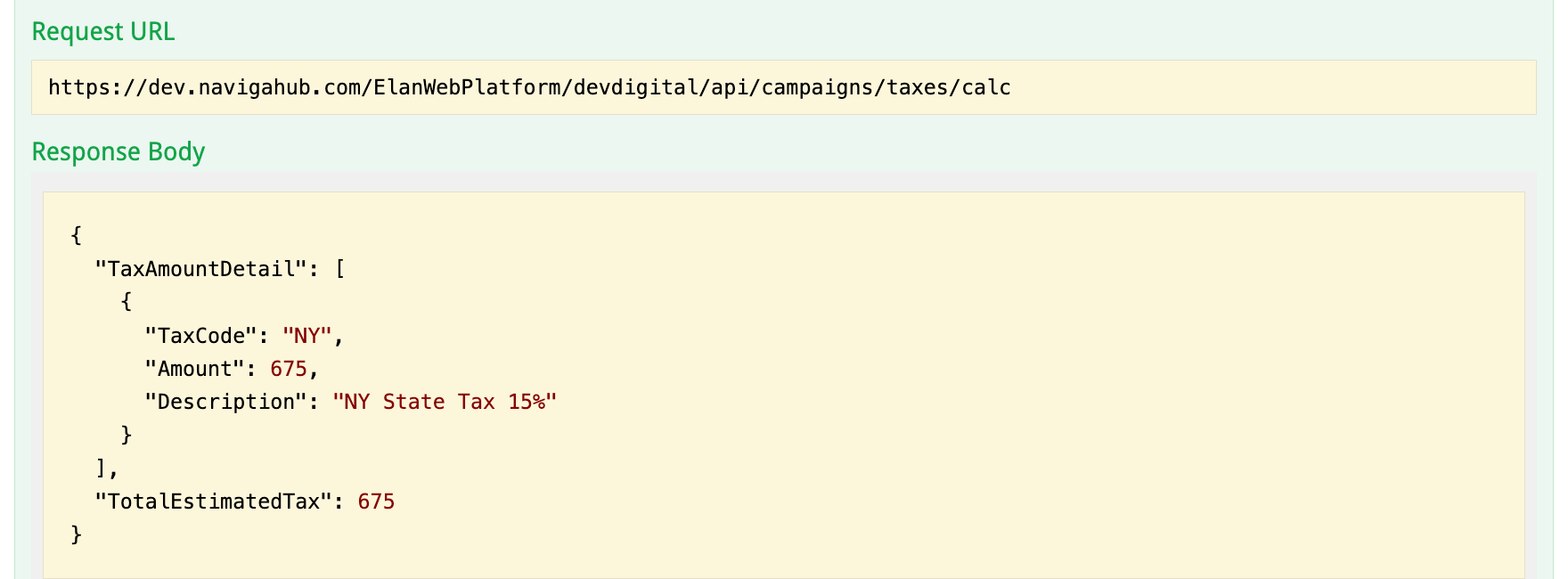
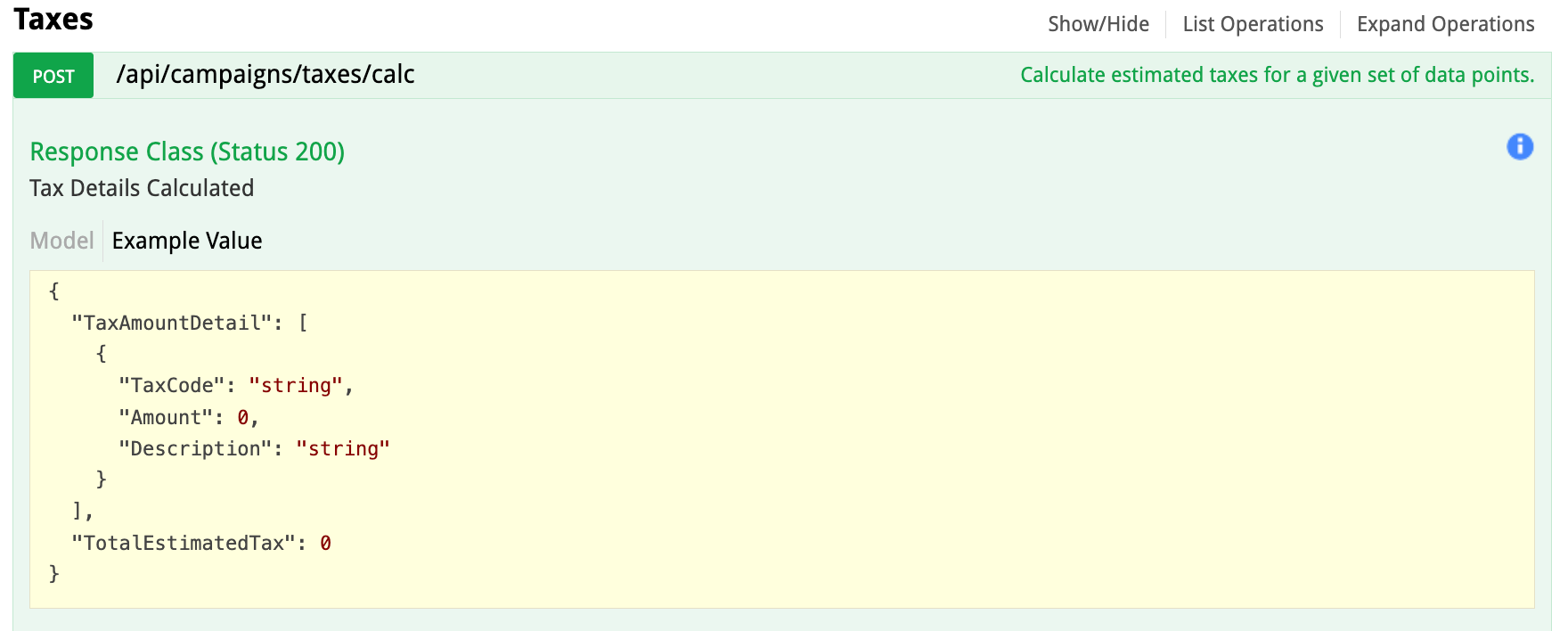
POST /api/campaigns/taxes/calc - is the API endpoint and below is the respose you should expect from the call:

Data Details:

Field
Explanation
Required?

CampaignType

This will be M for Performance and F for Flexible

No

BilltoID

This will be the Name ID of the company that it is billing to. For direct sales this may be the same as advertiser ID below and for Agency Sales this will be the Agency ID The Name ID is where Naviga Ad stores the tax code, so the Agency code could be different from the advertiser.

No, but important if the bill-to is different than the advertiser

AdvertiserID

This is the Name ID for the advertiser. The Name ID is where Naviga Ad stores the tax code, so this will be very important to provide

Yes

BrandID

This is the brand ID from Brand Maintenance. This is especially important if there is an agency involved. There is a field on the brand which will indicate if the agency tax code is to be used or the advertiser's so it is important to provide this in the payload. If not passed in, and there is an agency, then the agency tax code will be returned.

Yes

ProductID

This is the product ID from Product Setup. This is important to provide in the payload, because there could be tax overrides configured on the product setup (tab overrides node in setup). The API will not return data id this is not passed in. Ad product can also be flagged as non-taxable If non-taxable, this will be the payload return:

Yes

AdTypeID

This is the ad type ID from Ad Type setup. This is important to pass in because the ad type could be non-commissionable to the agency, which would affect the calculation of the tax.

Yes If not provided, a tax rate may still be returned, but it could be wrong if the ad type was non-commissionable, it is important.

RateLineID

This will be the ID of the Rate LINE, from Rate Card setup. This is important because there is a flag on the rate line which indicates that a particular rate line does not have taxes, even if the advertiser or product typically would have taxes applied. If non-taxable, this will be the payload return:

Yes If not provided, a tax rate may still be returned, but it could be wrong if the rate was non-taxed, so the RateLine ID is important.

GrossAmount

This is the gross campaign line amount from which the tax will be calculated.

Yes

OverrideTaxCode

If the sending system chooses to override the tax code, then this will override what all the other parameters came up with and use this provided code instead. I expect this will typically be omitted HINT - Don't pass in "OverrideTaxCode": "string" or it will look for a tax code ID called "string" - leave off the entire parameter if not being used

No

Important to be aware - a tax code can be configured so that another tax code must be applied first. (example, in Canada it is common for a province to have a GST in addition to a PST tax). Result will look like this if multiple taxes are involved:

Last updated

Was this helpful?